
Top Android TV Keyboard Remotes for Your Home

4th Floor, Building E, Kaisheng Smart Park, Xingyu Road, Nanchang Community, Xixiang Subdistrict, Bao'an District, Shenzhen City, Guangdong Province,P.R.China [email protected]

Get a Free Quote

Our representative will contact you soon.
Email
Name
Company Name
Message
0/1000

android tv keyboard remote

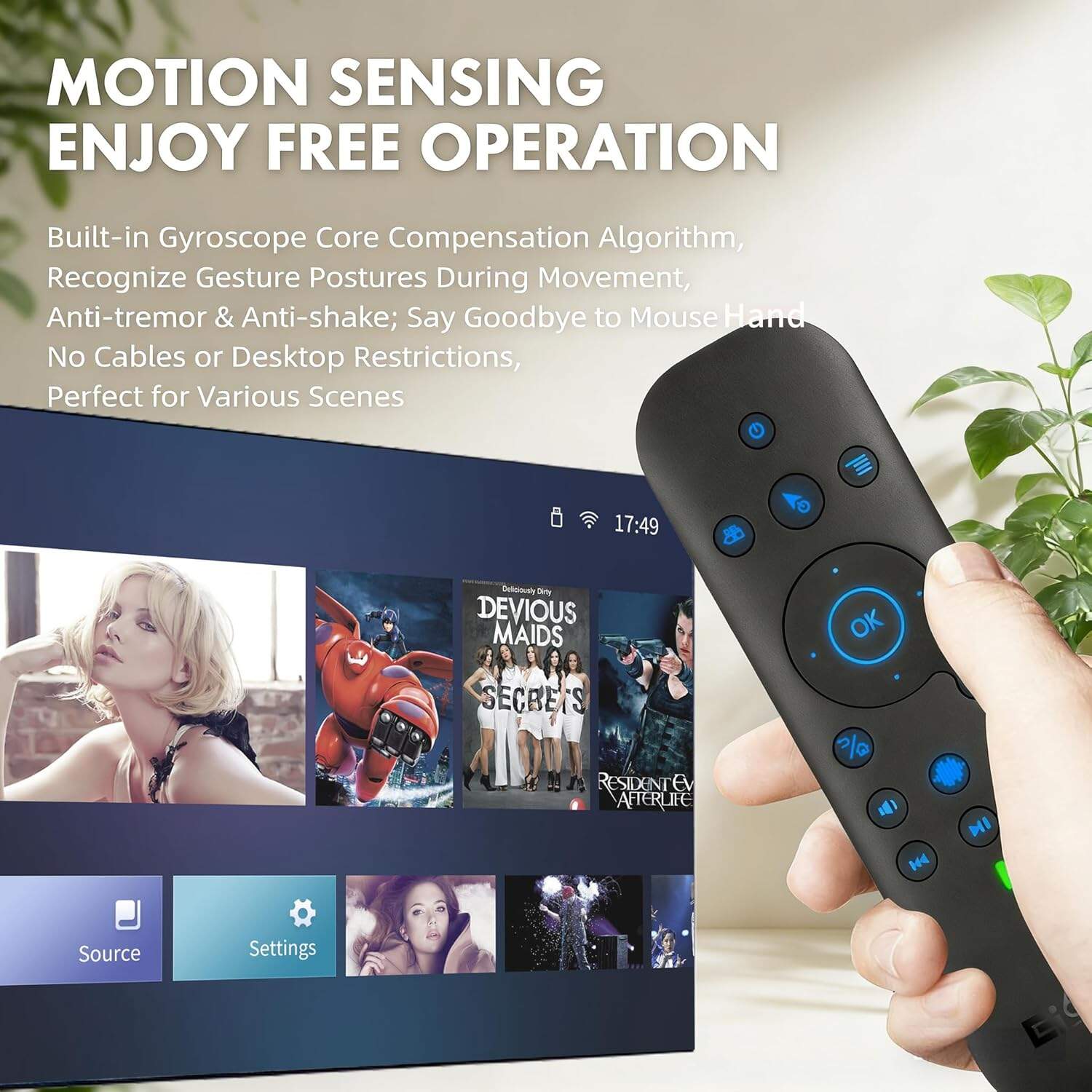
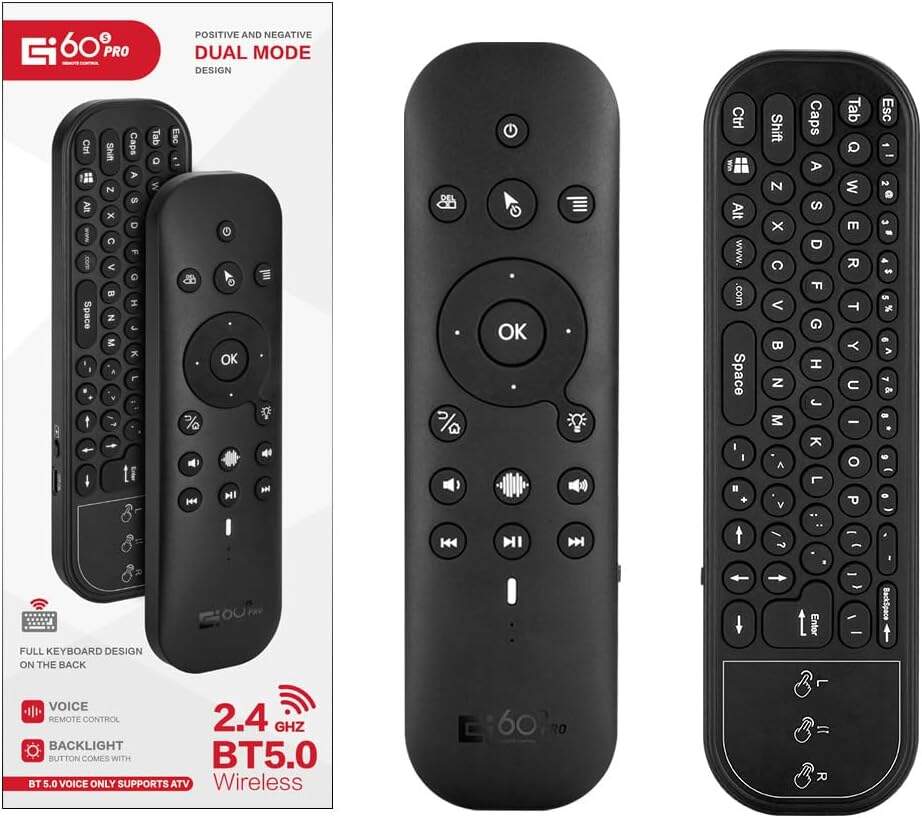
A keyboard remote for Android TV can make watching shows and movies a lot easier. With this remote you type, search, and control your TV all in one spot. Using a keyboard remote means you don't deal with slow typing on a regular remote. The design is usually slim and fits comfortably in hands. Plus, many come with extra stuff like voice control and touchpads. Siegeon offers various 2.4G Air Mouse Remote that help improve viewing, making it more fun and easy.

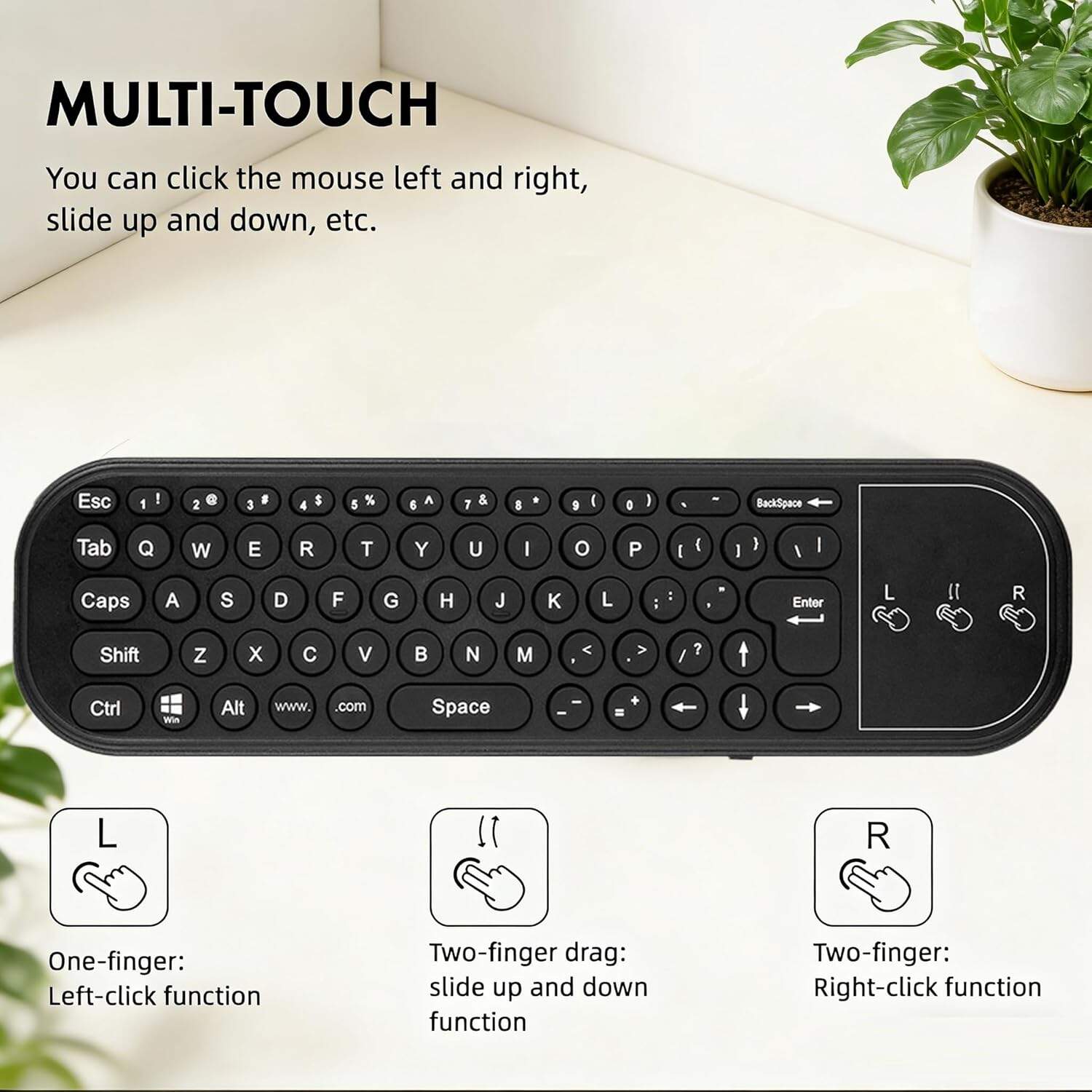
When picking an Android TV keyboard remote, some important features to think about. First, the keyboard layout matters. A good one has clear keys that are easy to press. If keys are too close, it’s hard to type. So look for nice spacing between keys, that way you can type without mistakes easily. Another important feature is battery life. You don't want to change batteries all the time. Some have rechargeable options, which are super handy. And check wireless connectivity, like Bluetooth or Wi-Fi, to make it smoother. It's good if the range is at least 30 feet, so you can control the TV from anywhere in the room. Some remotes come with extra buttons for quick access to apps like Netflix. That makes switching shows easier, with no need to scroll through menus. Also, a built-in touchpad or mouse is fun, letting you navigate like a computer for web or apps. Siegeon remotes often include this, great for better TV time, and you can also consider a Bluetooth Air Mouse Remote for added convenience.
How to Choose the Right Android TV Keyboard Remote for Your Needs

Sometimes problems happen with Android TV keyboard remotes. A common one is the remote not connecting to the TV. First, check the batteries, making sure they are fresh and installed correctly. If okay, turn the TV off and then on again. A quick restart can often fix connection issues. If not, unpair and re-pair it. Go to the TV settings, Bluetooth, and remove the remote from the list. Then put the remote in pairing mode and connect it again. Another issue is that keys don't respond when pressed. Frustrating! Clean the remote, as dust or crumbs stuck under keys can stop them from working. Use compressed air to blow out any debris. If it’s still not working, you may need to replace it. Lastly, if the touchpad doesn’t work, check if your fingers are clean and dry. Moisture can affect it. If the problem persists, contact Siegeon support, and they can guide you further.

And with it, you can search for information while watching. Like when you're curious about an actor, you can look it up quickly without missing the show. Stay engaged and learn while you enjoy. Many remotes have extra buttons to control volume, back to the menu, or power on and off. This makes navigation simpler, which is good for family watching.

Get a Free Quote

Our representative will contact you soon.
Email
Name
Company Name
Message
0/1000

Related product categories

How to Enhance Your TV Experience with the Best Android TV Keyboard Remote

How to Enhance Your TV Experience with the Best Android TV Keyboard Remote

Great too, a built-in touchpad allows you to move the cursor like a computer. Easy to click on apps, shows, or games. With a Siegeon remote, you feel in control of your entertainment. Overall, it takes streaming to the next level with less frustration. If you're looking for an option that combines keyboard functionality, consider a Keyboard Air Mouse Remote for more versatility.

Where to Buy Affordable and Reliable Android TV Keyboard Remotes in Bulk

Where to Buy Affordable and Reliable Android TV Keyboard Remotes in Bulk

Customers love Android TV keyboard remotes, especially Siegeon. They say it’s easy to search for shows and movies. No struggle with a regular remote; you can type quickly to find what you want. Reviews highlight fast keyboard response, with no waste of time.

What Features to Look for in an Android TV Keyboard Remote for Optimal Performance

What Features to Look for in an Android TV Keyboard Remote for Optimal Performance

Also, they talk about extra features in Siegeon remotes, like backlighting to see keys in the dark. This is useful for night movies. Many say it changes TV interaction, providing more control to explore apps. Positive feedback shows they are happy and recommend it for a better Android TV experience.

Get a Free Quote

Our representative will contact you soon.
Email
Name
Company Name
Message
0/1000