
Enhance Your Viewing with Smart TV Keyboard Remote

4th Floor, Building E, Kaisheng Smart Park, Xingyu Road, Nanchang Community, Xixiang Subdistrict, Bao'an District, Shenzhen City, Guangdong Province,P.R.China [email protected]

Get a Free Quote

Our representative will contact you soon.
Email
Name
Company Name
Message
0/1000

smart tv keyboard remote

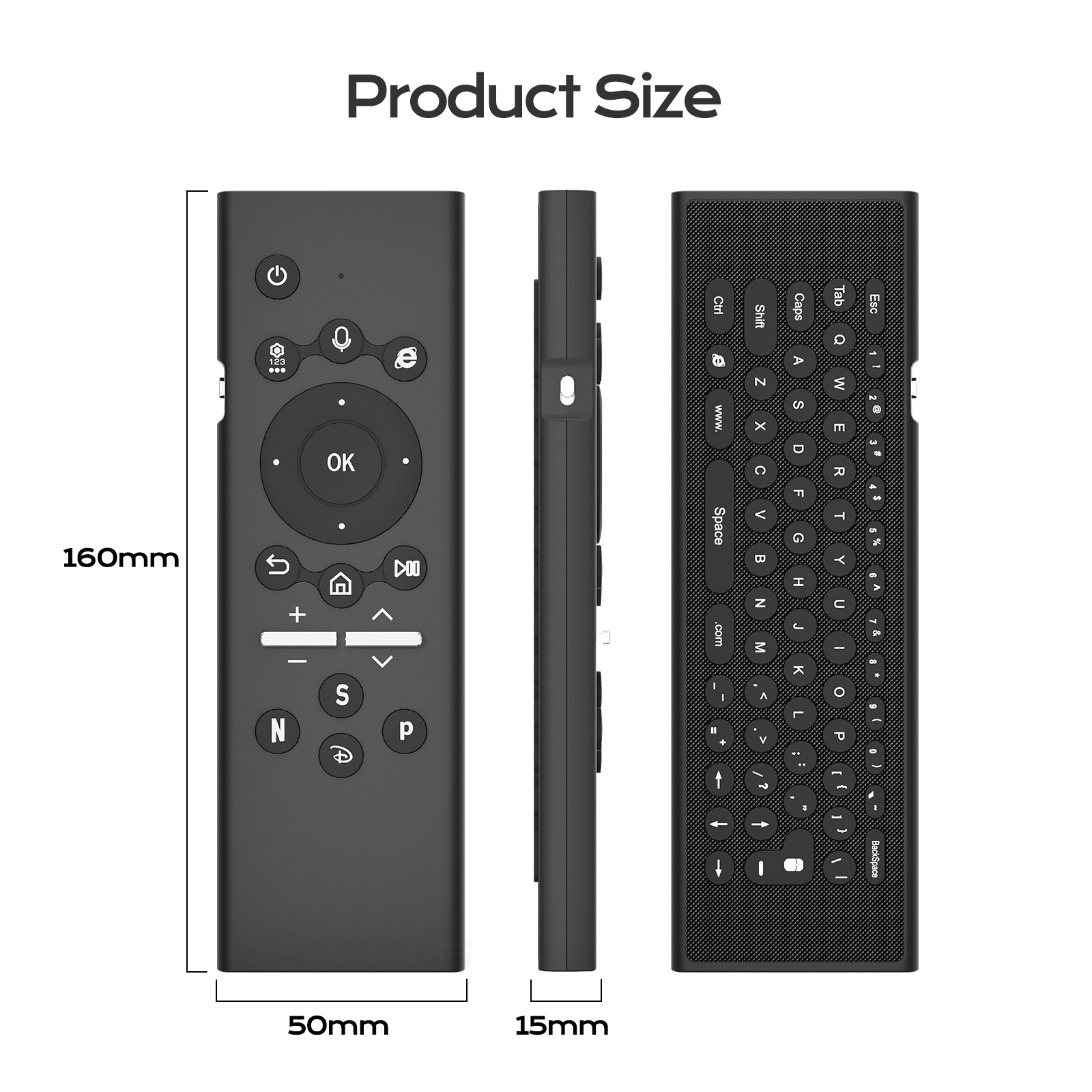
A smart  TV keyboard  remote  is a special  tool  that make watching TV  and using apps much easy and more fun. It has keyboard, which mean you can type, search  shows or  even send messages quick. Imagine you want find  your fav cartoon or cool movie.  Instead of clicking buttons  one by one, you just type name on  keyboard. This remote  not just for  changing channels; it helps do so much more. At Siegeon,  we  know right tools can change how you enjoy TV time.  With our  smart TV keyboard remote, you can explore, connect and dive into entertainment  without hassle.
 

What Makes the Smart TV Keyboard Remote a Must-Have Accessory?

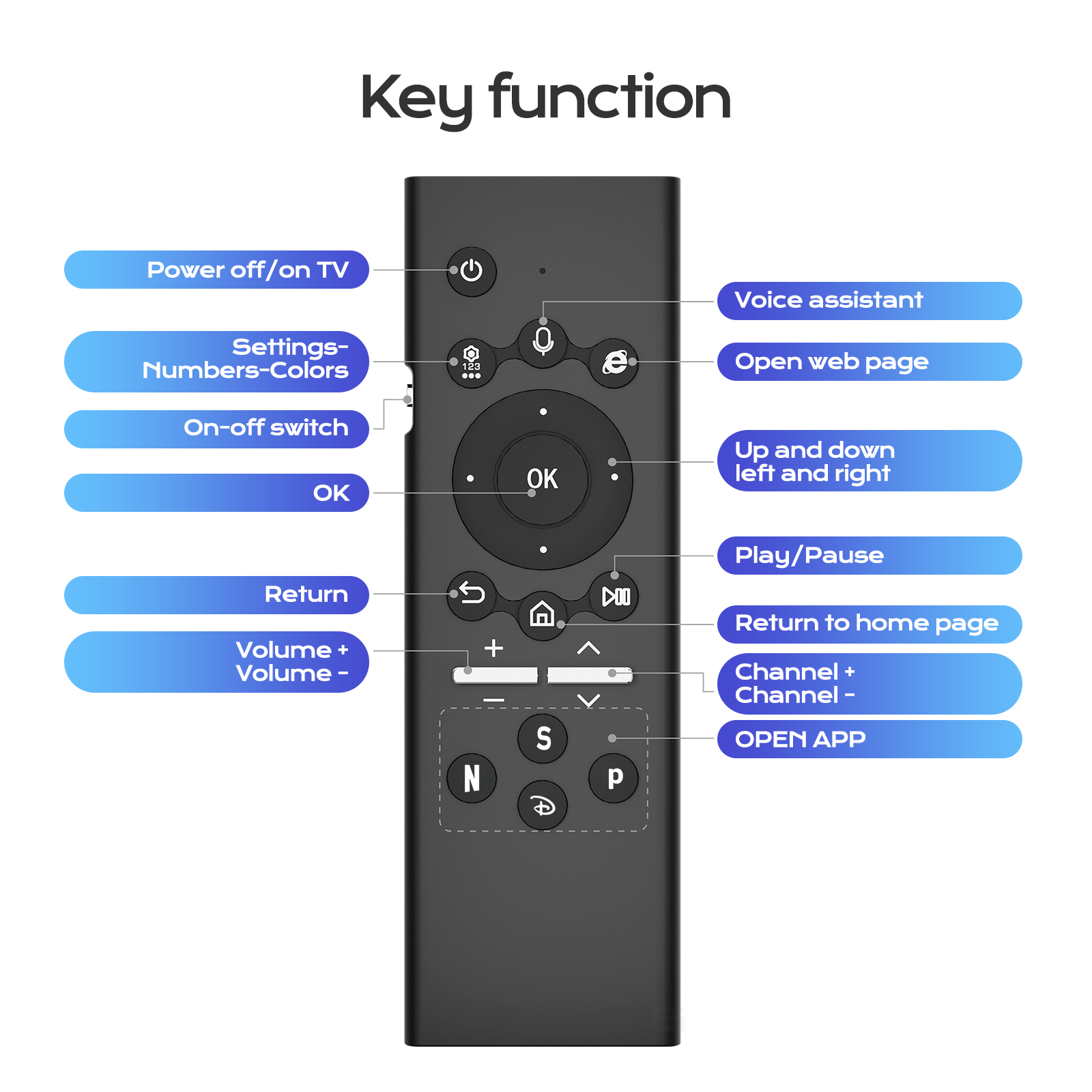
The  smart TV  keyboard remote is important add-on for anyone love watching shows and movies. One main reason it a must-have because it  save time. When use regular remote, you might spend  lot  time  scroll menus. But  with keyboard, you type what want right away. This  mean more time  enjoy  fav shows and less searching them. Another reason, it make everything easier. If you want  browse internet or check social  media while TV, keyboard make  it simple. You can send messages to friends or look info without  switch devices. It also great for families. Kids can find cartoons quick, parents search movies without frustrate. The remote  not just about typing; it about make TV  experience  smoother and enjoyable. Plus, it design to fit comfy in  hand, so you use it hours  without tired. Siegeon keyboard remote  give high-quality product enhance every moment front screen. If you're interested in a more versatile option, consider our 2.4G Air Mouse Remote for additional features.

Get a Free Quote

Our representative will contact you soon.
Email
Name
Company Name
Message
0/1000

Related product categories

How to Choose the Best Smart TV Keyboard Remote for Your Needs

How to Choose the Best Smart TV Keyboard Remote for Your Needs

Choosing right smart  TV keyboard  remote  can feel overwhelming, but don’t has to be. First, think what you actual want do with remote. If  mostly watch movies shows, look for one with easy navigation and clear keyboard. Some have backlit keys, helpful in dark. Next, check if fit your TV brand. Many universal, but  some  work best with  specific. Always read description see  match your TV. Another factor  is battery  type. Some use  replace batteries, others recharge. Rechargeable often easier cause no worry run out. Also wise consider size weight. Lightweight one easier handle,  esp for kids. Finally, read reviews see what others think. They  give insights how easy use and works. At  Siegeon, we offer  variety  keyboard remotes for different needs,  find perfect  for you setup. Think these, choose remote make TV time enjoyable  no hassle.
 
Common Usage Issues with Smart TV Keyboard Remotes and How to Fix Them

Common Usage Issues with Smart TV Keyboard Remotes and How to Fix Them

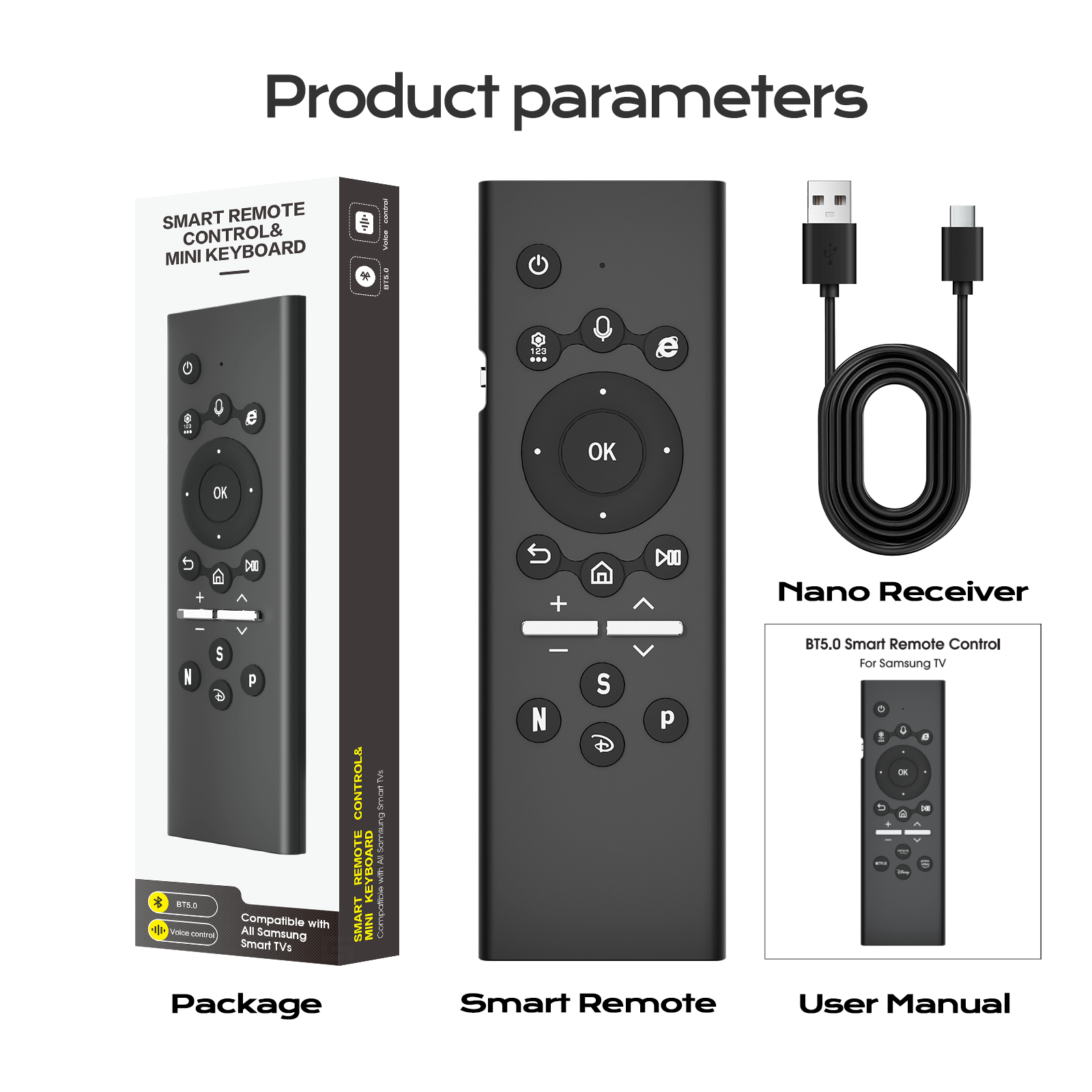
Using smart TV keyboard remote can fun, but sometimes tricky. One common issue keyboard not connect  to TV. This happen if batteries low or remote  too far. If your keyboard  remote not working, first check batteries. If weak or dead,  replace with new. Make sure put right way, follow plus minus signs. If change batteries  no  work, try  move closer TV. Sometimes far away cause connect problems. Another issue  typing errors.  Easy  hit wrong key, esp small keys. To fix, take time typing. Or use  voice search if  TV has it.  This way say what want no type. Sometimes remote not work with certain  apps. If apps not respond, check  updates for TV or app. Update fix bugs cause problems. Lastly, if remote stuck or no respond,  turn off TV  then on again. This reset connect help smooth.  If try all  and still no, contact support.  Siegeon here help if questions with remote. For those looking for alternatives, our Bluetooth Air Mouse Remote is an excellent choice.

How to Optimize Your Smart TV Experience with a Keyboard Remote

How to Optimize Your Smart TV Experience with a Keyboard Remote

Keyboard remote can make viewing better much. One way optimize learn all features remote.  For example, many have shortcut  buttons. These take direct  to fav  apps like Netflix  YouTube, no scroll menu.  To best use, figure which apps  you use most. Then program them in shortcuts for  quick access.  Another tip, use keyboard searching. Instead scroll  long lists, type what want watch. Save time find content easy. Don’t forget voice commands  if has! Speak to search shows  or control TV. Helpful when not  remember title exact. Also connect TV to internet. This access more content apps. Make sure remote connect proper and  internet good. Good connect  mean less interrupts  watching shows. Finally, keep  TV remote updated. Updates improve  performance add features  better. With tips, enjoy fantastic TV with Siegeon keyboard remote.


Get a Free Quote

Our representative will contact you soon.
Email
Name
Company Name
Message
0/1000