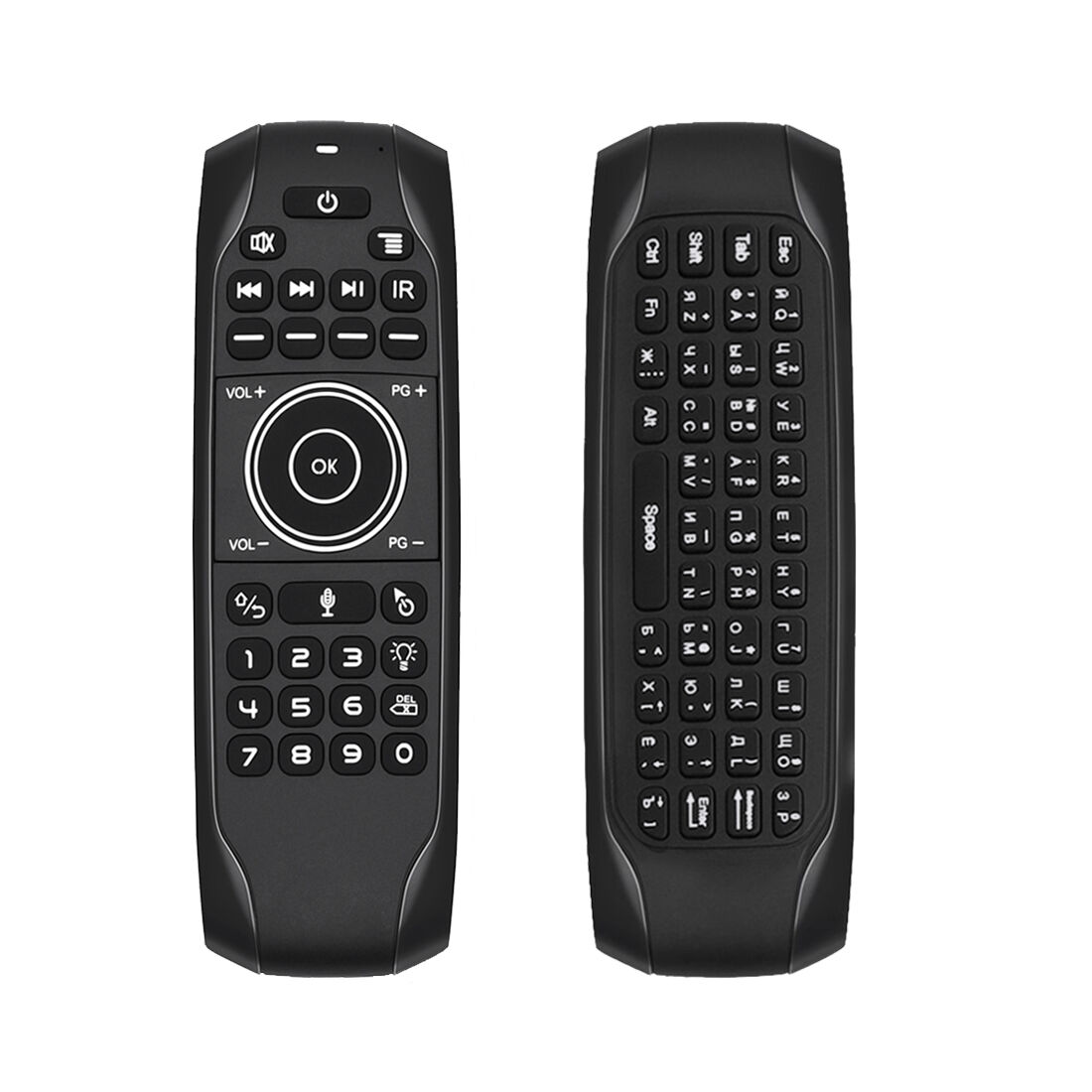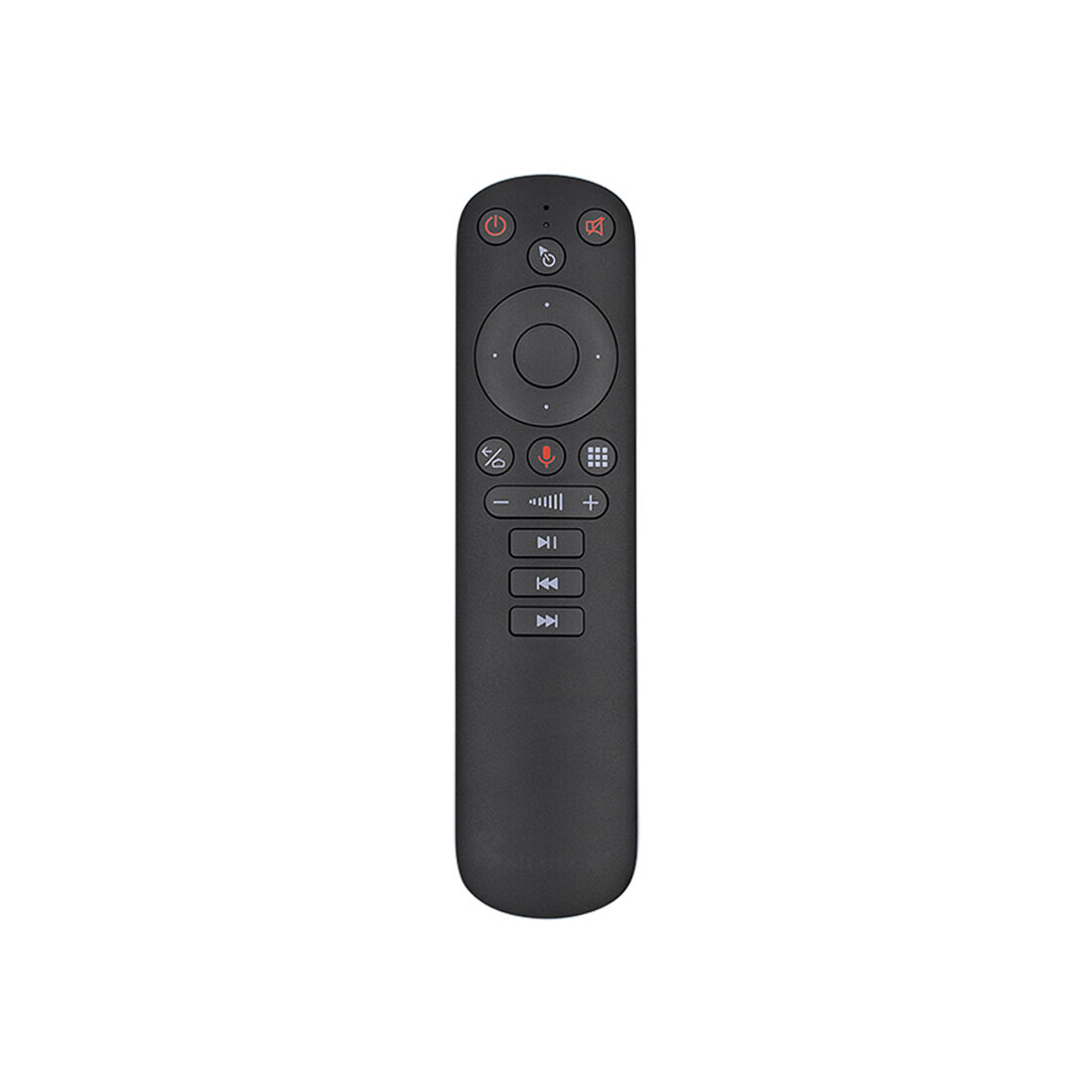

Best Universal Remote for Apple TV and More

4th Floor, Building E, Kaisheng Smart Park, Xingyu Road, Nanchang Community, Xixiang Subdistrict, Bao'an District, Shenzhen City, Guangdong Province,P.R.China [email protected]

Get a Free Quote

Our representative will contact you soon.
Email
Name
Company Name
Message
0/1000

Universal apple tv remote

don’t need different remotes for each one. With a universal remote, you can switch from watching a movie to playing a game with just one click. That’s great because Siegeon smart tv mouse remote makes TV much easier. You can find remotes from many brands, but today we focus on Siegeon remote mouse for smart tv, which makes high-quality universal remotes. They work well and last a long time. They are also easy to use, perfect for the whole family, from kids to grandparents.    

Sometimes users with universal Apple TV remotes have problems. One common issue is that the remote does not connect to the Apple TV at all. This happens if the remote is not programmed correctly. If you press buttons and nothing happens, check the battery first. A dead battery is a big reason why remotes stop working. Replace it with a new one. Another issue is when the remote controls the TV but not the Apple TV. This may be because the settings are wrong. Make sure to follow the instructions during setup. If it still does not work, you may need to reset the remote. For Siegeon remote mouse smart tv, find the reset button or reprogram it using the manual they provide.
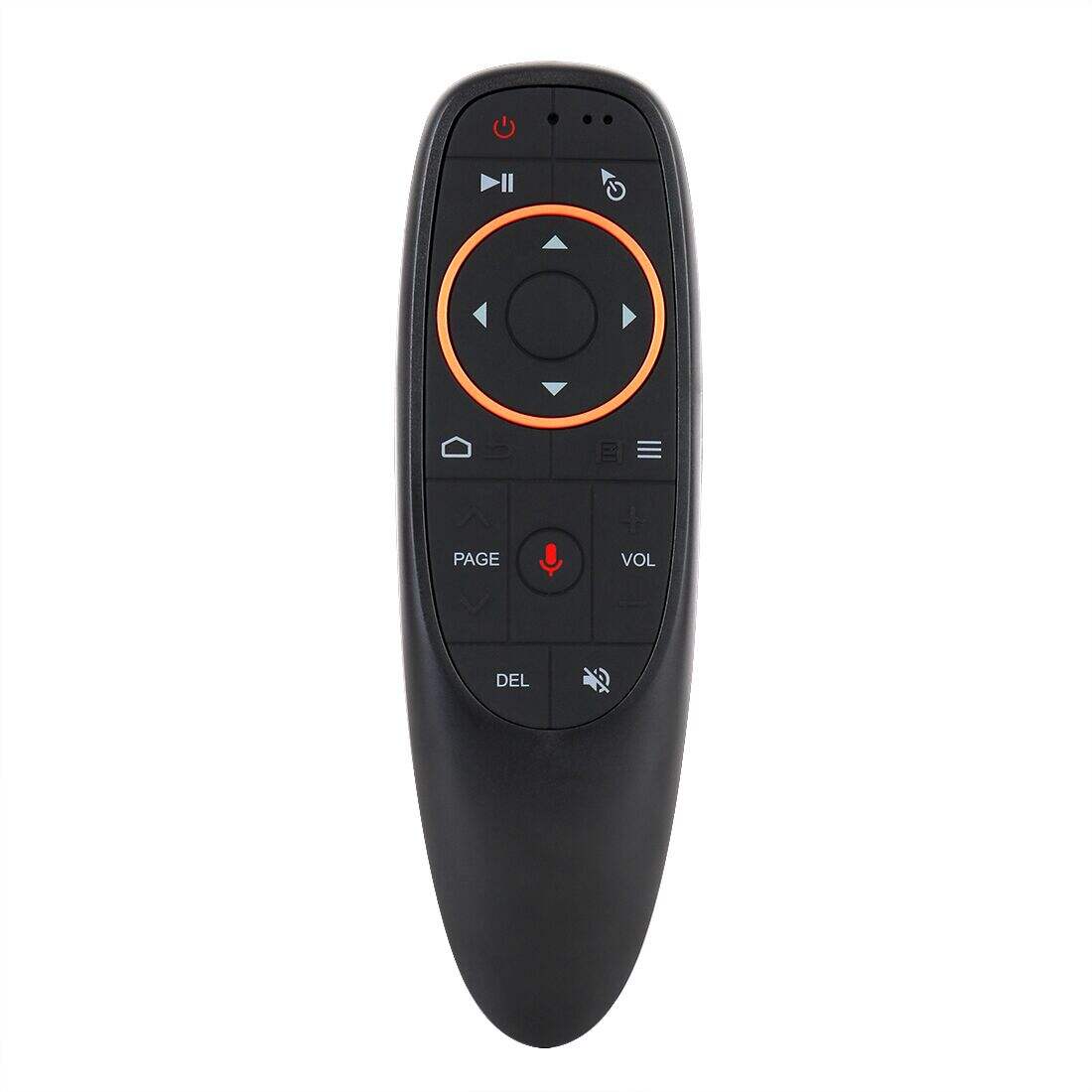

Our Products

Common Usage Issues with Universal Apple TV Remotes and How to Solve Them

Sometimes the remote is too sensitive. That means it misreads your commands. If you notice this, use the remote more slowly. Press one button at a time. Another problem is distance; if you are too far from the Apple TV, it may not work well. Move closer and try again. If all else fails, check the Siegeon website for support. They have guides and answers to common questions.   

When buying a universal Apple TV remote, some features are important. First, check if it is compatible with your Apple TV model. Not all remotes work with every version. Siegeon usually states this on the box or website, so look for that. In addition, easy programming is a good feature. Some remotes can be programmed in a few steps, while others are more complicated. Pick one with a simple setup.


Frequently Asked Questions

Is the Universal apple tv remote compatible with Apple TV models?

Yes. Our Universal apple tv remote supports current Apple TV models via Bluetooth pairing and offers full navigation, playback, and Siri button functions where supported.
It supports Bluetooth for direct Apple TV pairing and can be configured for 2.4GHz use with compatible receivers, leveraging our certified wireless technology.
The remote uses a rechargeable battery with typical life of several weeks per charge under normal use; exact duration varies by usage and enabled features.
Yes. Shenzhen Siegeon offers OEM/ODM customization, including hardware, firmware, buttons, and branding, backed by our R&D and 100 patents.
Turn on the remote, place it near the Apple TV, follow on-screen pairing prompts, or press and hold the designated pairing button until the device appears in Bluetooth settings.

Get a Free Quote

Our representative will contact you soon.
Email
Name
Company Name
Message
0/1000

Related product categories

What Features to Look for in a Universal Apple TV Remote

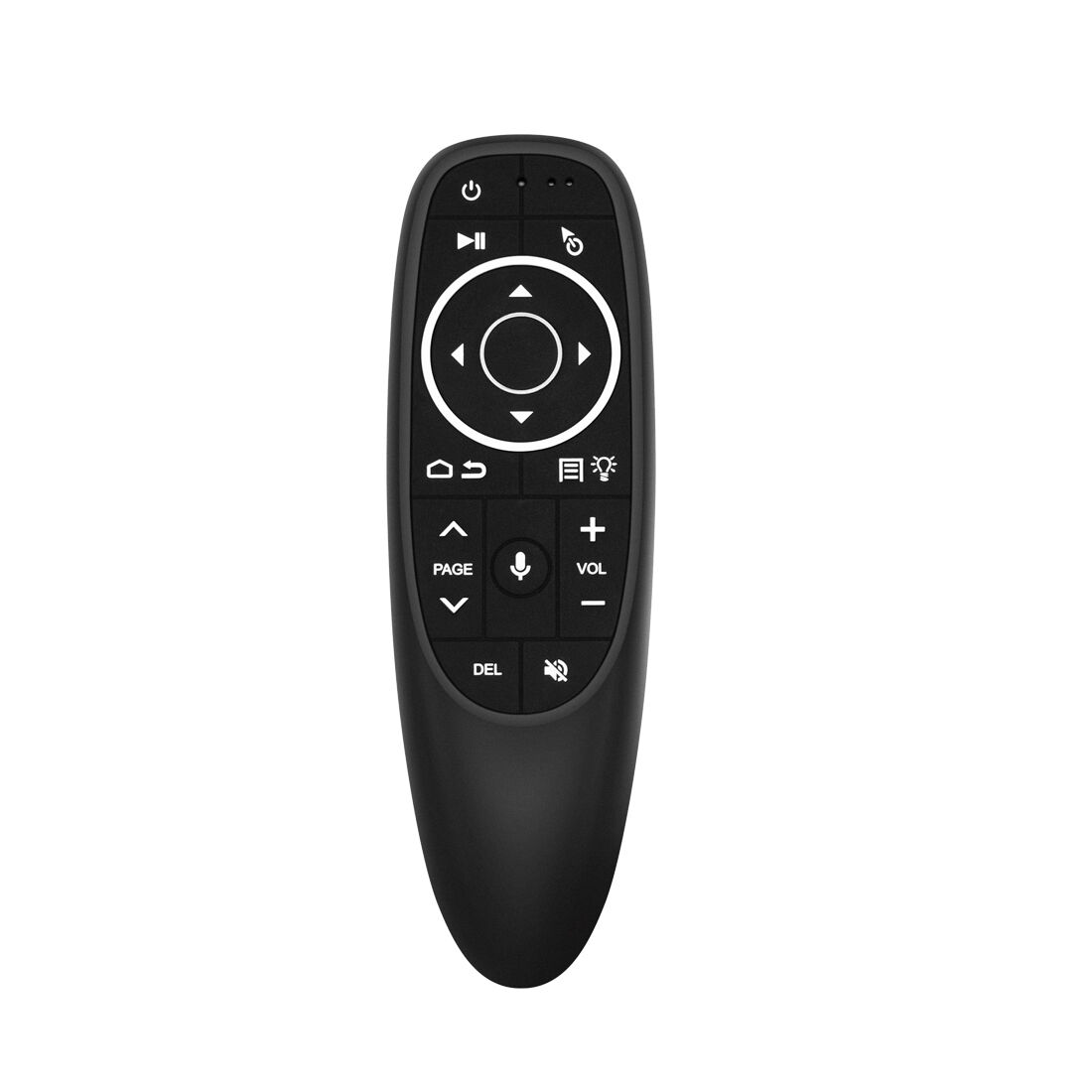
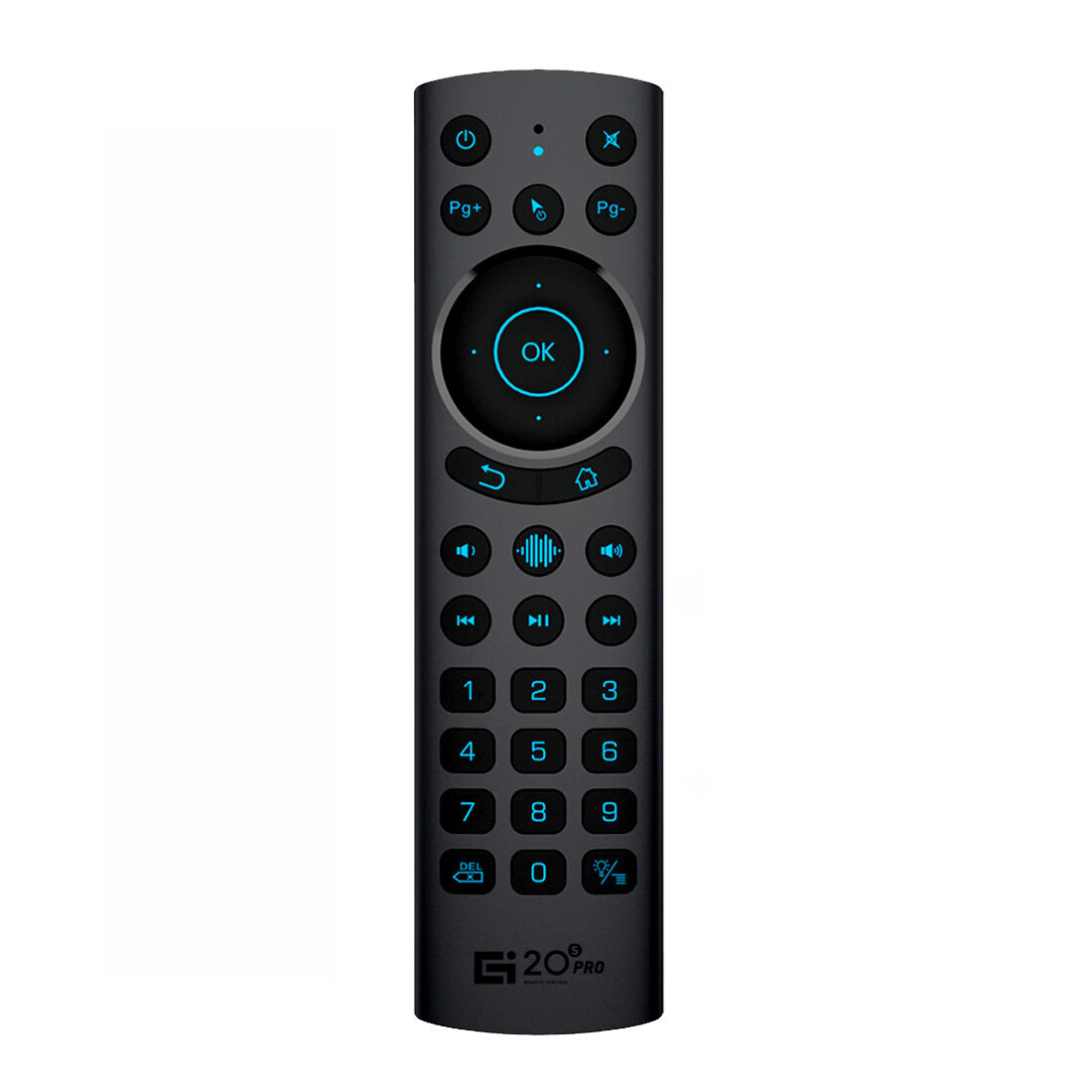
You may also want programmable buttons. That lets you set buttons for different devices, such as a sound system. Being able to control many devices is a big plus. Also think about the design and feel. A comfortable remote that is easy to hold and navigate makes TV time better. Some models have backlit buttons for use in a dark room.


How to Program Your Universal Apple TV Remote for Maximum Convenience

Programming a universal Apple TV remote is easy and makes TV viewing simpler. First, gather everything you need. Have your Apple TV and Siegeon remote ready, and make sure the Apple TV is powered on. Turn the Apple TV on. Next, take the Siegeon remote and find the “Setup” button, usually at the top or center. Press and hold it until the red light turns on. This shows the remote is ready to be programmed. Now enter the code for Apple TV from the manual that came with the Siegeon remote. If you do not have the manual, look online. Then press “Enter.” If the light turns off, it has been programmed correctly. If it stays on, try another code. Once it is set up, you can easily control your Apple TV, change the volume, switch shows, and even use Siri if supported. It takes only a few minutes, but it is worth it to have one remote control everything.


Where to Find Bulk Deals on Universal Apple TV Remotes for Retailers

If you are a retailer looking to buy universal Apple TV remotes in bulk, check several places for deals. Wholesale electronics websites are one of the best options. They often sell at lower prices, especially for large quantities. You can also contact Siegeon directly for bulk purchases. Many businesses can negotiate pricing when ordering multiple items. Local distributors may also have special offers for retailers. Watch for sales events such as Black Friday, which can help you save money. Sign up for supplier newsletters to receive discount updates. Joining retailer forums can also provide tips on pricing and suppliers. Always compare different suppliers to get the best deal. By researching different options, you can find great deals on Siegeon remotes for your customers.


Get a Free Quote

Our representative will contact you soon.
Email
Name
Company Name
Message
0/1000